

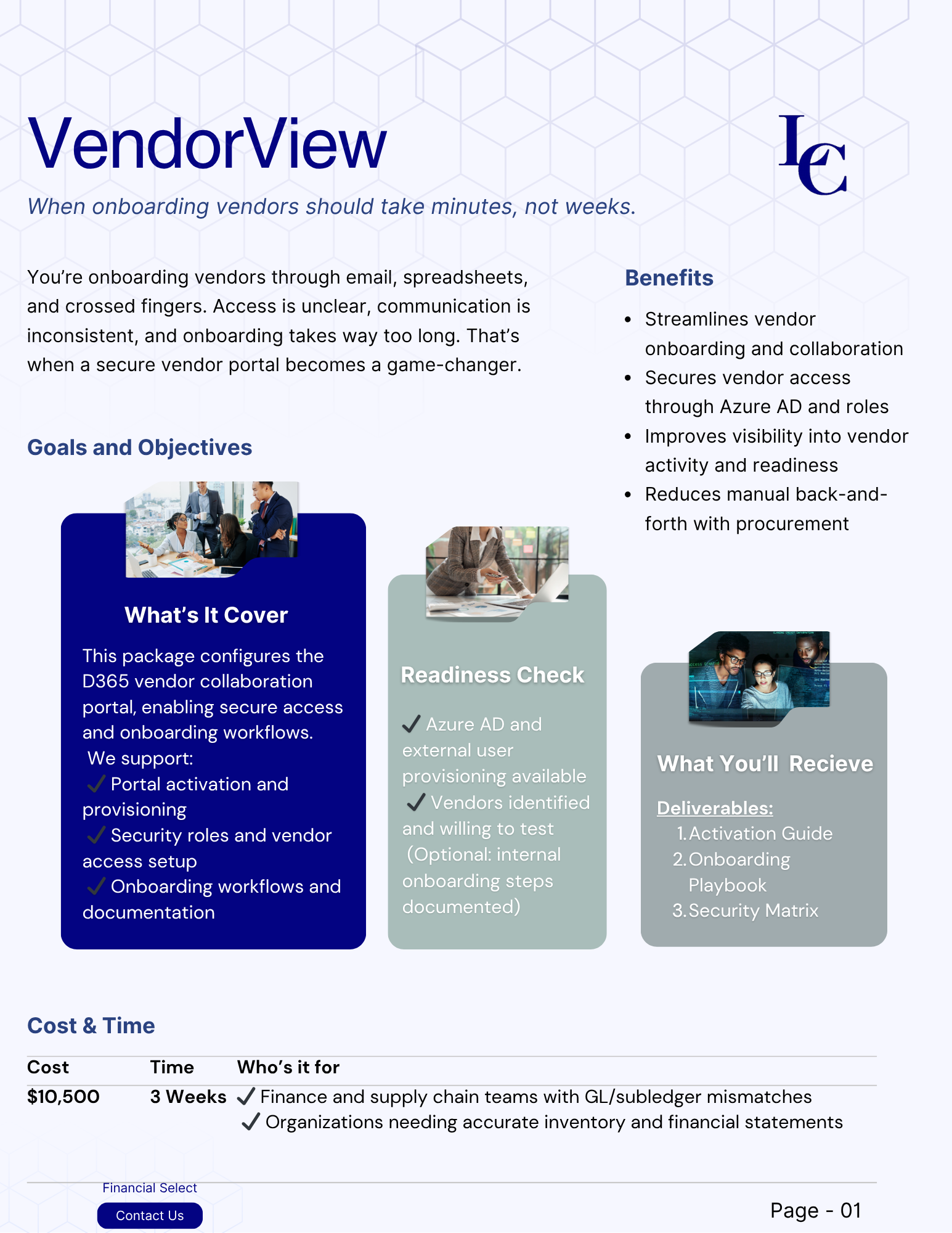


Reviews and corrects ledger-to-subledger alignment in D365 by fixing posting configurations, inventory profiles, reconciliation logic, GL mapping, and critical reporting procedures.
Category: QAD Manufacturing
Supplier Consignment in AUX
Posted on: May 21, 2024 | By: Meaghan Andrews | QAD Manufacturing, QAD Business Process
Summary QAD provides out-of-the-box functionality to manage Supplier Consignment inventory that integrates all aspects of the process including Purchase Orders, receiving, tracking consigned inventory, usage reporting, and deferred voucher and payment until usage. Supplier Consignment Setups The following setup is required when using the Supplier Consignment module: 1. Enable the module in the Inventory section of the Base Control function. 2. For each Supplier and Item combination that is under...
Supply Chain Management
Posted on: February 13, 2024 | By: Meaghan Andrews | QAD Manufacturing, QAD Business Process, QAD Distribution
Efficient supply chain management is crucial for businesses seeking to stay competitive in today's dynamic market. Companies across all industries are constantly searching for tools and solutions that can optimize their supply chain processes, reduce costs, and enhance overall efficiency. One such solution gaining prominence is QAD, a leading provider of enterprise resource planning (ERP) solutions. In this blog, we will explore how QAD's offerings can streamline supply chain management...
QAD’s SEUG Conference: Key Takeaways and Insights
Posted on: October 30, 2024 | By: Guy Logan | QAD Financials, QAD Practice News, QAD Manufacturing, QAD Business Process, QAD Distribution
The Southeastern User Group Conference(SEUG) wrapped up in this October, leaving attendees with valuable insights and fresh perspectives. In this blog, Logan Consulting highlights some key takeaways from the event. Let’s dive in together! Exploring Innovations and Networking at the QAD Southeast User Group Introduction In today’s dynamic business environment, staying updated on the latest ERP trends is essential for industry professionals. The recent QAD Southeast User Group Conference (“SEUG”)...
Top QAD Distribution Styles
Posted on: October 22, 2024 | By: Guy Logan | QAD Manufacturing, QAD Business Process, QAD Distribution, QAD Financials
QAD provides a comprehensive suite of tools to manage distribution processes within an organization, offering solutions for Sales Orders (SO) Shipping, Distribution Orders (DOs), Enterprise Material Transfers (EMTs), and Inter-site Inventory Transfers. In this blog, we discuss each distribution style and how they can help with logistics and operations. Sales Orders (SOs) Sales Orders facilitate the process of fulfilling customer requests by streamlining order creation, tracking, and shipment. One significant...
QAD Cash Application: Payment / Remittance Automation
Posted on: October 9, 2024 | By: Guy Logan | QAD Financials, QAD Manufacturing, QAD Business Process, QAD Distribution
More commonly than not, applying cash has been a manual and tedious process. It can be extremely taxing for the finance department to accomplish this each month and stay on top of it. It is often a process that is consistently behind in getting the data into the system. In this blog we will identify two options that are now available in the more recent versions of QAD EE /AUX....
5 Best Ways for Businesses to Avoid Costly Change Orders in ERP Projects
Posted on: September 5, 2024 | By: Guy Logan | QAD Financials, QAD Manufacturing, QAD Business Process, QAD Distribution
For any business, unexpected change orders during ERP implementations can lead to budget overruns, delayed timelines, and operational disruptions. Avoiding these surprises starts well before the project even begins. Here are five proven strategies to avoid costly change orders and ensure smoother ERP project execution: 1. Thorough Review of the Statement of Work (SOW) During Sales and Pre-Sales A well-structured ERP project begins with a comprehensive Statement of Work (SOW)....
Batch Job Set Up
Posted on: August 30, 2024 | By: Meaghan Andrews | QAD Financials, QAD Manufacturing, QAD Business Process, QAD Distribution
In this blog, we discuss batch job set up and the benefits it can provide. Batch jobs in QAD refer to automated tasks or processes that run in the background without user intervention. They perform a series of predefined actions based on a schedule or specific triggers. These tasks can include generating reports, processing data, updating records, and more. The primary advantages of batch jobs include: Efficiency: Automating routine tasks...
Return To Vendor Process in AUX
Posted on: August 2, 2024 | By: Meaghan Andrews | QAD Manufacturing, QAD Business Process, QAD Distribution
The Return to Vendor (RTV) process occurs when a company wants to return materials back to the Supplier or Vendor they purchased them from. There can be several reasons why a company would want to return purchased materials such as damaged or defective material, the wrong material was shipped to them, or the supplier over shipped the quantity ordered. It is important that a process is in place to support...
Using Planned Orders to Drive Purchasing in AUX
Posted on: July 11, 2024 | By: Meaghan Andrews | QAD Financials, QAD Manufacturing, QAD Business Process, QAD Distribution
QAD’s Adaptive UX provides a new Planned Orders view that can be used to drive Purchasing activities such as the creation of Requisitions (Approved or Unapproved) and Purchase Orders, or the releasing of Blanket Orders. To access this functionality, go to the Planned Orders hybrid view in AUX, and from the Actions function, select Firm Purchasing. Note: you can use the view filtering functions to limit the Planned Orders (e.g....
User Defined Fields In AUX
Posted on: July 2, 2024 | By: Meaghan Andrews | QAD Financials, QAD Manufacturing, QAD Business Process, QAD Distribution
This is the second blog in a series of four blogs about customizing business objects in AUX. This blog provides information about pulling forward User Defined Fields in AUX. QAD’s Adaptive UX offers many customizable options to meet the needs of any business. One way is offering User Defined Fields (UDFs) which are predefined fields in the database tables that are not used in QAD business logic. This means that...