



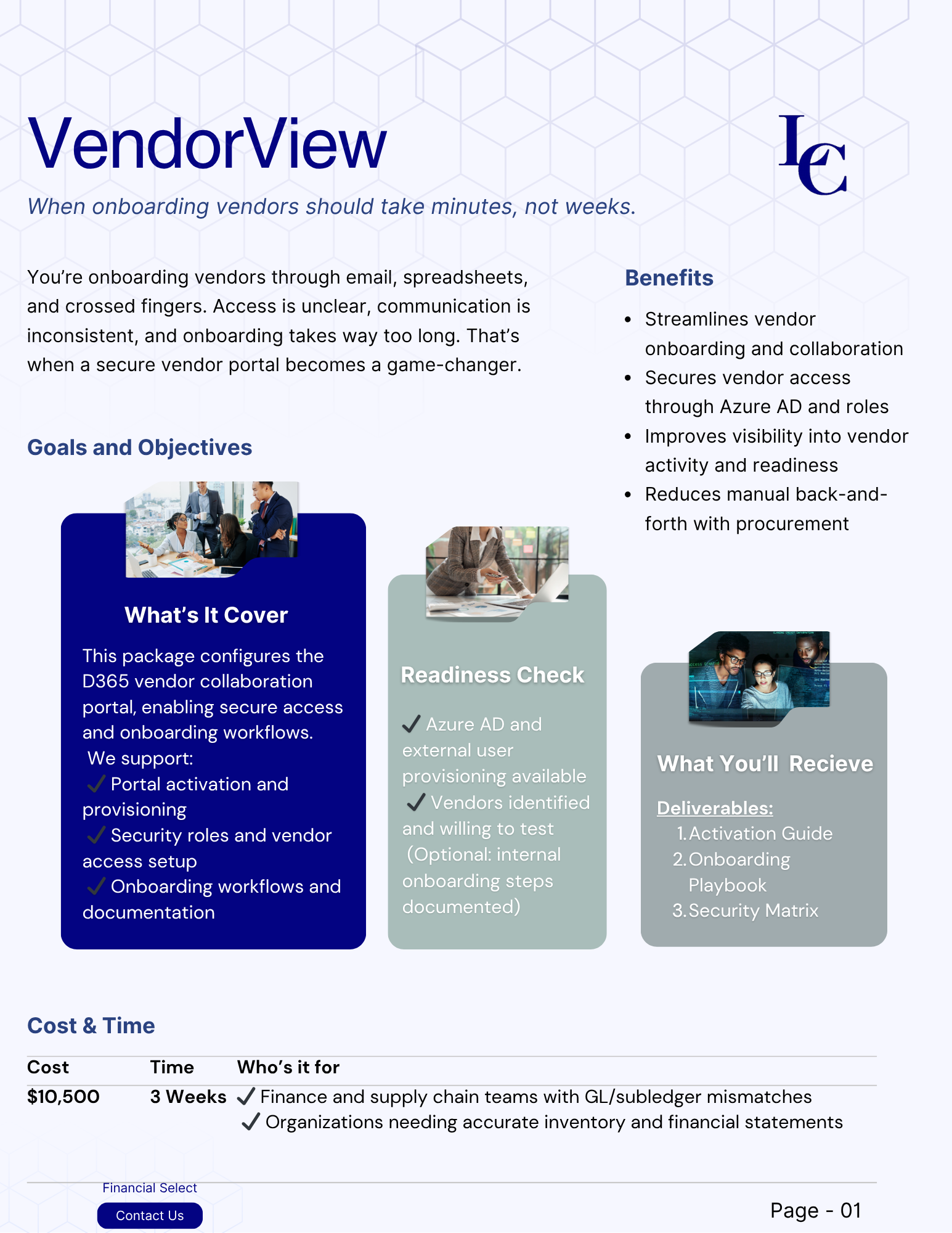


Reviews and corrects ledger-to-subledger alignment in D365 by fixing posting configurations, inventory profiles, reconciliation logic, GL mapping, and critical reporting procedures.
Managing Projects Across Industries with Acumatica 2026 R2
Posted on: November 24, 2026 | By: Jackson Morris | Acumatica
Project-based businesses rarely struggle because they lack a plan. They struggle because the plan, the budget, the time entries, and the billing live in different places. By the time a project manager or controller sees a problem, the margin is often already gone.
This challenge is not limited to construction. Engineering firms, IT service providers, consultancies, and make-to-order manufacturers all run work as projects. The 2026 R2 release expands Acumatica project management with tools that help these organizations structure large engagements, forecast costs earlier, and keep financial data accurate from the field to the general ledger.

Why Project Complexity Outgrows Simple Tools
As organizations grow, their projects grow with them. A single contract may include several phases, sites, or customers. Each piece needs its own budget and owner, yet leadership still wants one view of overall performance.
Spreadsheets and standalone project apps struggle with this. Managers rebuild the same reports each month, and finance teams spend time reconciling numbers instead of analyzing them. As we covered in our post on project management in Acumatica, keeping budgets, costs, and billing inside the ERP is the foundation. The 2026 R2 release builds on that foundation for larger and more layered work.
Organizing Large Projects with Parent and Child Structures
One of the most useful additions is the ability to link projects in a hierarchy. A parent project can hold several child projects, each with its own budget, billing, and project manager. Rollup rules then combine child costs into the parent for consolidated reporting.
Acumatica’s own R2 construction overview shows how a multi-story building can be split into core work and tenant improvements under one parent. The same approach fits other industries. An engineering firm can separate design phases, an IT provider can track a multi-site rollout by location, and a professional services firm can manage several phases under one master contract.
For finance leaders, this structure means fewer “side jobs” created just to track a piece of work. Each team manages its own scope, while executives still see the full picture.
Forecasting Costs Before They Become Overruns
Most overruns are visible early if the right data is in front of the right people. The 2026 R2 release adds cost forecasting that spreads projected costs over time using front-loaded, back-loaded, bell, or linear curves. Teams can then compare baseline, projected, and actual costs month by month.
Progress billing also gets easier. Progress worksheets suggest a completion percentage, and a project progress report shows revenue and cost side by side. As a result, project managers and controllers can agree on where a job stands before an invoice goes out.
Keeping Time and Costs in the Right Place
Accurate project reporting depends on accurate entries. In R2, organizations can align time cards and equipment time with the correct branch and choose to warn users, default the branch, or block mismatches. When a cost does land in the wrong place, a reclassification form lets the team correct it without manual journal entries.
Field teams benefit as well. Mobile time cards now support forward-dated entries and running totals. Paired with the Acumatica mobile app, this helps crews and consultants record time where the work happens rather than days later.
Visibility for Service and Finance Leaders
Professional services firms gained new reporting earlier this year. The 2026 R1 release introduced employee utilization, project revenue analysis, and unbilled project revenue aging reports, along with AI that flags unusual variances such as revenue leakage or low utilization. Acumatica outlined these in its service-focused release announcement.
Together with R2, these tools give leaders a clearer view of which projects are profitable, which people are overbooked, and which work has not yet been billed. That visibility supports better staffing, pricing, and cash flow decisions.
Best Practices for Adopting New Project Features
New features only add value when they fit the way the business runs. Start by reviewing how current projects are structured and where reporting breaks down. Then pilot parent and child projects or cost forecasting on one active engagement before rolling them out broadly.
It also helps to define rollup rules and cost codes before the first project goes live, and to train both project managers and accounting staff together. Organizations still on the Classic UI should factor in our guidance on planning for 2026 R2when scheduling their upgrade.
Next Steps
As an Acumatica partner, Logan Consulting helps project-based organizations structure projects, set up forecasting, and turn new release features into better margin control. If your teams are still tracking project performance outside your ERP, contact Logan Consulting today to build a project management approach that scales with your business.
 NetSuite Planning and Budgeting Advantages: Elevating Planning and Performance Management
 Preparing Your NetSuite Data for Agentic Workflows
 Stacking the Odds: Saved Searches to Find Risk Before It Finds You in NetSuite
 From Spend to Close: Building a Continuous, AI-Ready Finance Process in NetSuite