







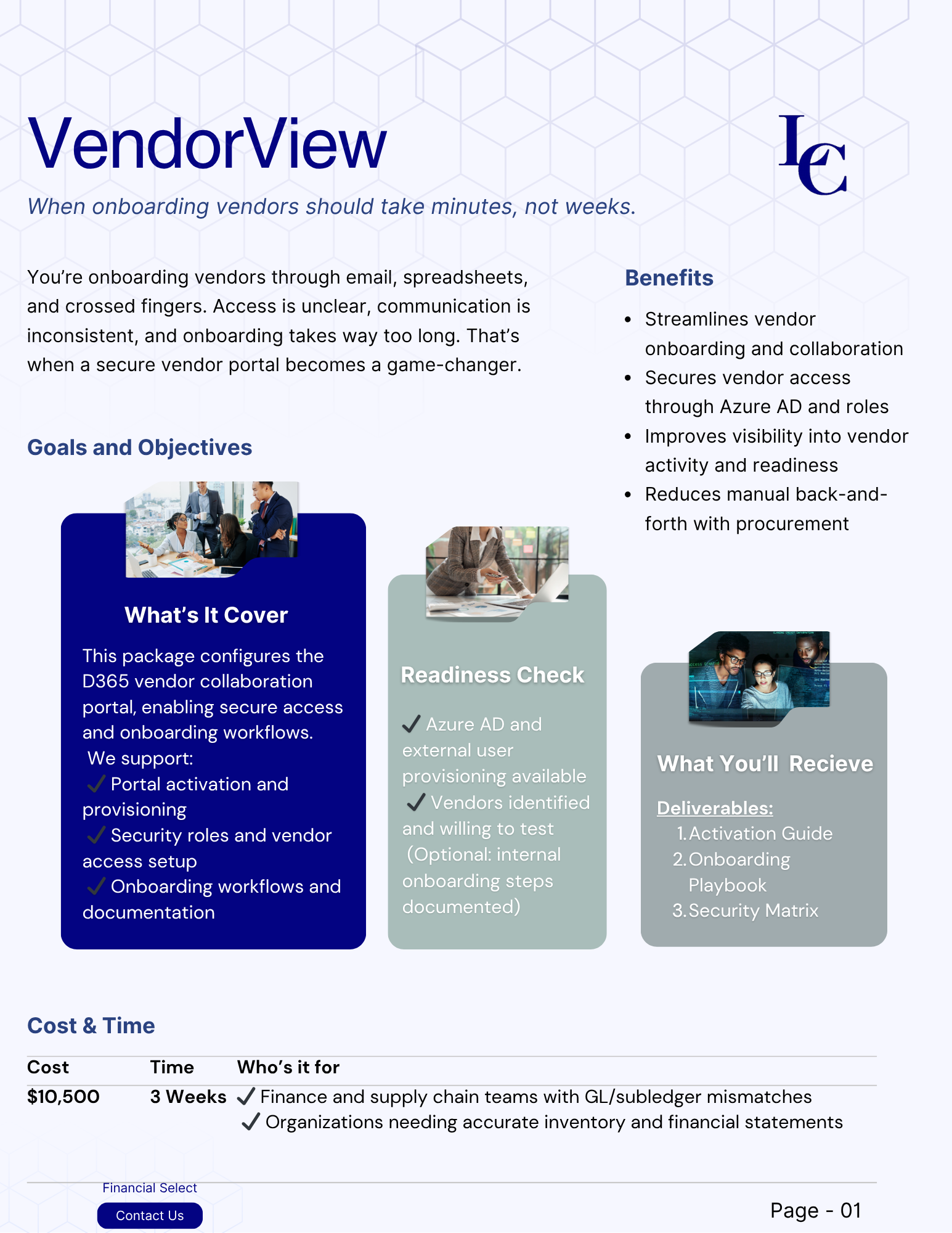


Reviews and corrects ledger-to-subledger alignment in D365 by fixing posting configurations, inventory profiles, reconciliation logic, GL mapping, and critical reporting procedures.
Stacking the Odds: Saved Searches to Find Risk Before It Finds You in NetSuite
Posted on: October 8, 2026 | By: Jackson Morris | NetSuite
Financial risk rarely shows up all at once. It builds quietly across payments, transactions, and customer behavior until it lands on the books as a write-off, a cash shortfall, or an audit finding. By the time a month-end report catches it, the options for correcting it have usually narrowed.
For NetSuite users, saved searches offer a practical way to get ahead of these issues. By defining the conditions that signal risk and letting NetSuite check for them continuously, finance teams can spot problems early and act while there is still time to change the outcome.

Why Financial Risk Is Easy to Miss
Most risk indicators look minor on their own. A single late payment, an invoice slightly above normal, or a change to vendor banking details may not raise concern in isolation. The danger comes when these signals add up without anyone connecting them.
Traditional reporting makes this harder. Month-end reports look backward, and reviewing transactions line by line does not scale as volume grows. Saved searches change the approach by applying the same criteria to every relevant record each time they run. The same tool many teams already use to track order delays can be pointed at financial data to surface exceptions automatically.
Flagging Risky Transactions
Certain transactions deserve a second look before or shortly after they post. Saved searches can isolate vendor bills above an approval threshold, bills entered without a related purchase order, credit memos issued outside normal patterns, or bills that share the same vendor, amount, and date as an existing entry.
Highlighting rules make these results easier to act on. Rows can change color when an amount crosses a set limit or a transaction sits unapproved for too long, so reviewers can focus on the items that carry the most exposure instead of scanning an entire list.
Spotting Unusual Activity
Some risks appear in how the system is used rather than in the transactions themselves. Saved searches built on system notes can track changes to sensitive fields such as vendor remittance details, customer credit limits, or payment terms. Others can surface journal entries posted to rarely used accounts, created by unexpected users, or entered late in the close.
Email alerts strengthen this approach. A saved search can notify a controller as soon as a matching record is created or edited, rather than waiting for someone to run a report. This adds a lightweight layer of control that supports internal reviews and audit preparation.
Saved searches also pair well with NetSuite’s growing AI capabilities, which can learn normal transaction patterns and flag outliers. Rules-based searches cover the risks a team already knows to watch for, while AI helps surface the ones it may not have anticipated.
Identifying At-Risk Customers
Customer behavior is often the earliest sign of a cash flow problem. Saved searches can list customers whose balances exceed their credit limits, accounts with invoices moving into older aging buckets, or customers who consistently pay later than their terms allow. Searches that track declining order volume can also point to relationships that need attention.
Summary searches and formula fields add useful context. Grouping open balances by customer and comparing current aging to prior periods helps collections teams prioritize outreach based on exposure. These results fit naturally alongside standard financial reporting in NetSuite to give leaders a complete picture of receivables.
Bringing It All Into One View
Individual searches are helpful, but their real value comes from combining them. Adding key risk searches to a role-based dashboard gives finance leaders one place to see flagged transactions, unusual activity, and at-risk customers without switching between reports. Scheduled emails can deliver the same results to the right people on a regular cadence.
A few practices keep this approach effective. Start with a small set of searches tied to the risks that matter most, assign clear ownership for reviewing each one, and revisit criteria as the business changes. It is also worth watching newer tools like Ask Oracle, which lets users ask questions in plain language. It does not replace the structure and repeatability of saved searches, but it can speed up follow-up analysis when something looks off.
Next Steps
Saved searches give finance teams an early warning system for risk using a tool already built into NetSuite. Logan Consulting helps NetSuite users design saved searches, dashboards, and alerts that bring financial risk into view before it affects cash flow. Contact Logan Consulting today to build a clearer, more proactive view of risk across your NetSuite environment.