







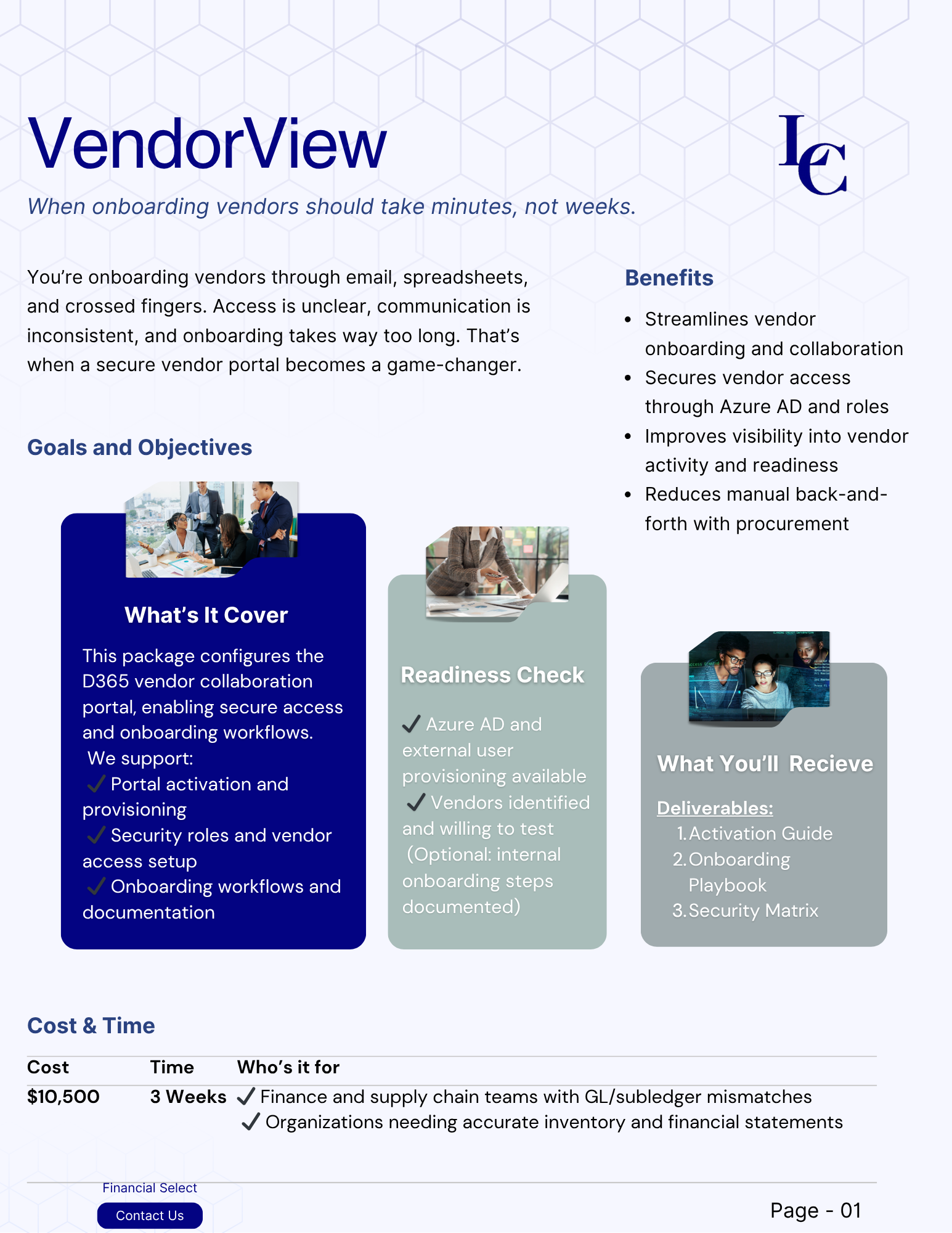


Reviews and corrects ledger-to-subledger alignment in D365 by fixing posting configurations, inventory profiles, reconciliation logic, GL mapping, and critical reporting procedures.
Quality Management in Acumatica: Building Quality Into Every Step of Operations
Posted on: November 3, 2026 | By: Jackson Morris | Acumatica
Quality problems rarely stay contained. A failed inspection that never gets recorded, a supplier lot that slips through receiving, or a production defect caught too late can lead to scrap, rework, customer returns, and compliance risk. For many manufacturers and distributors, the root issue is that quality data lives in spreadsheets, paper checklists, or standalone systems that do not connect to the rest of the business.
A quality management system (QMS) built into Acumatica addresses this by placing quality controls inside the same platform that manages purchasing, inventory, production, and financials. In this blog, we will cover what QMS looks like in Acumatica, why it matters, and how organizations can approach it.

What is QMS in Acumatica?
QMS is a tool an organization uses to define quality standards, test against them, document results, and correct problems when they occur. In Acumatica, quality management combines capabilities in the Manufacturing and Distribution Editions with certified extensions available through the Acumatica Marketplace.
Acumatica supports lot and serial tracking, scrap recording, and production reporting. The Shop Floor Kiosk, introduced in Acumatica 2026 R1, gave production teams a simple way to report completed and scrapped quantities directly from the floor.
For organizations with more advanced requirements, such as formal inspection plans, nonconformance tracking, or corrective and preventive action (CAPA) workflows, Marketplace solutions built on the Acumatica platform can extend these capabilities. Because they use the same database and screens, quality data stays connected to the transactions it relates to.
Why it Matters
When quality lives outside the ERP, teams spend time re-entering data and reconciling records. Even worse, a quality hold in one system may not stop a shipment in another. Integrating quality into Acumatica allows test results to drive what happens next, such as holding received inventory until it passes inspection or keeping a failed lot from being shipped.
This connection also improves accountability. Every test, result, and corrective action is tied to a specific item, lot, vendor, or work order. The result is an audit trail that supports customer requirements and regulatory reviews.
Acumatica’s embedded AI tools add another layer of value. As AI becomes part of everyday workflows, quality and operations leaders can surface trends in scrap, returns, or supplier performance more quickly, without building reports from scratch.
Key Benefits
Organizations that bring quality management into Acumatica typically see benefits in a few areas:
Less waste and rework. Catching issues at receiving or during production costs far less than finding them after shipment.
Better supplier oversight. Tracking inspection results by vendor helps purchasing teams spot recurring problems and hold suppliers to agreed standards.
Faster recalls. Lot and serial traceability makes it possible to quickly identify which customers received affected products.
More accurate costing. Recording actual scrap and material usage gives finance teams a truer picture of production costs.
The Acumatica 2026 R2 release continues in this direction, with Shop Floor Kiosk updates that capture what production actually uses instead of standard backflushed quantities. That accuracy supports both quality analysis and job costing.
Industry-Specific Benefits
Quality requirements vary widely by industry, and Acumatica’s industry editions give organizations a foundation to build on.
Food and beverage companies and other process manufacturers often need lot-level testing, shelf-life control, and fast recall capabilities. Discrete manufacturers in areas like industrial equipment or aerospace may focus on in-process inspections, nonconformance tracking, and alignment with standards such as ISO 9001 or AS9100.
Distributors benefit as well. Receiving inspections help ensure only acceptable products enter inventory, while return inspections determine whether goods can be restocked, reworked, or scrapped. Regulated industries such as life sciences may also need validated systems and electronic records that support FDA requirements.
Best Practices for Getting Started
Start by documenting current quality processes. Identify where inspections happen today, who performs them, how results are recorded, and what happens when a product fails. This exercise often reveals gaps and manual workarounds.
Next, define requirements before selecting tools. Some organizations find that native Acumatica features meet their needs, while others require a dedicated quality extension. The right approach depends on business requirements, regulatory obligations, and the complexity of your products.
Finally, plan for adoption. Quality processes only work if shop floor, warehouse, and purchasing teams use them consistently. Training, clear ownership, and simple workflows go a long way. As highlighted at Acumatica Summit 2026, ERP is moving from a system of record to a system of intelligence, and clean, consistent quality data is what makes that shift possible.
Next Steps
Building quality into Acumatica helps organizations reduce waste, strengthen compliance, and make better decisions with connected data. Logan Consulting helps manufacturers and distributors assess their quality processes, configure Acumatica, and identify the right extensions for their requirements. Contact Logan Consulting today to learn how quality management in Acumatica can support your operations.