







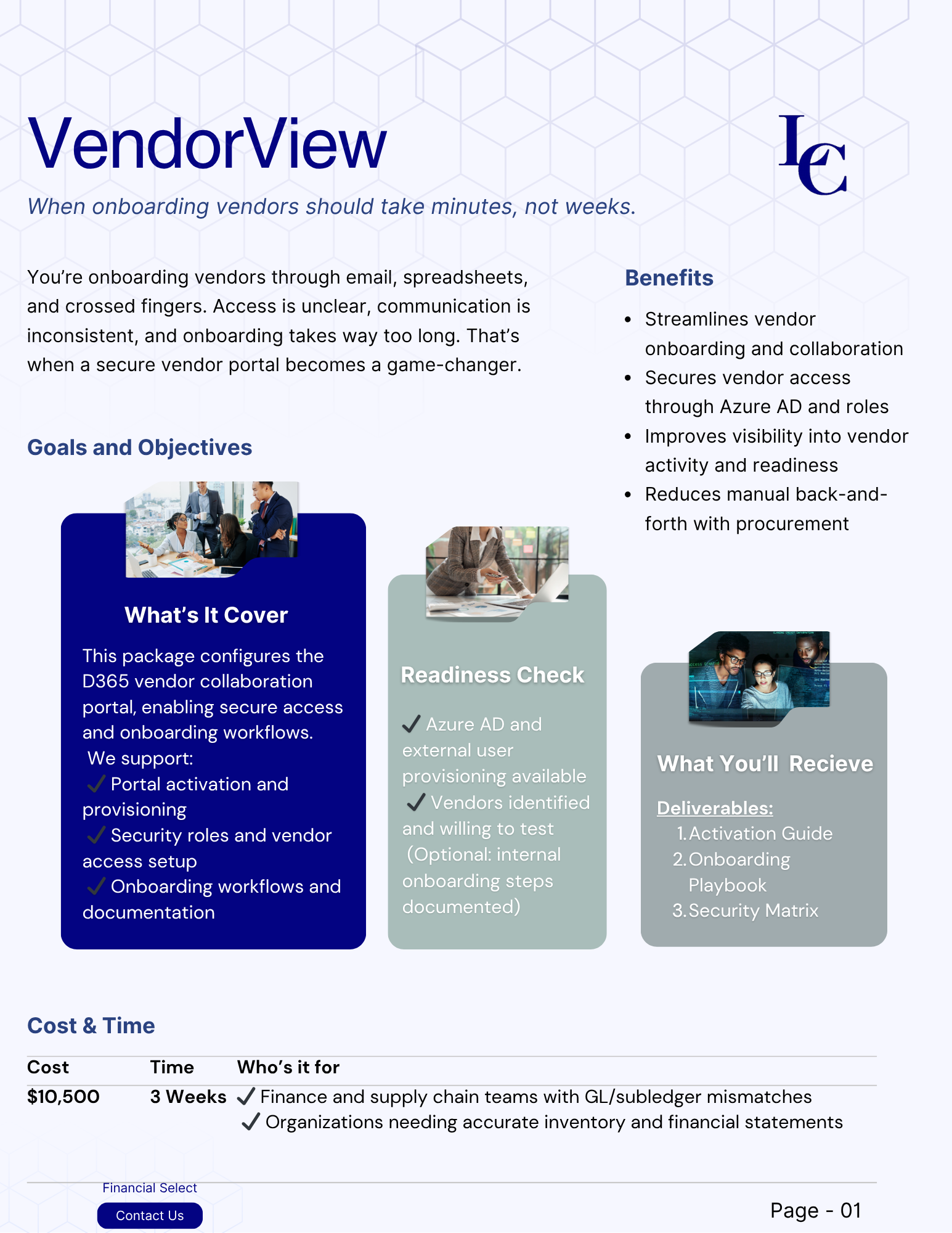


Reviews and corrects ledger-to-subledger alignment in D365 by fixing posting configurations, inventory profiles, reconciliation logic, GL mapping, and critical reporting procedures.
From Prompt to Insight with NetSuite AI Connector Service
Posted on: November 3, 2026 | By: Jackson Morris | NetSuite
Many finance and operations teams already use AI assistants for everyday work, but those tools often sit outside the ERP. Users copy data into a chat window, ask a question, and then move the answer back into NetSuite by hand. That process is slow, hard to govern, and easy to get wrong.
The NetSuite AI Connector Service closes that gap by giving approved AI assistants a secure connection to NetSuite data and workflows. In this blog, we will cover how the service works, where it delivers business value, and what organizations should consider before connecting their own AI.

What is the NetSuite AI Connector Service?
The AI Connector Service is a NetSuite integration layer built on the Model Context Protocol (MCP), an open standard that defines how AI assistants communicate with business applications. Instead of building a custom integration for each AI tool, organizations connect once and let supported assistants work with NetSuite through a consistent set of tools.
The service became a central part of the SuiteCloud platform in NetSuite 2026 Release 1, and adoption has grown quickly. At SuiteWorld 2026, Oracle reported that more than 13,000 customers have adopted it.
The service supports a bring-your-own-AI approach. Organizations can choose the AI assistant or large language model that fits their needs, while NetSuite remains the system of record.
Why it Matters
Connecting AI to an ERP raises fair questions about security and control. The AI Connector Service addresses this by operating within NetSuite’s existing roles and permissions. An AI assistant can only see data and take actions that the connected user is already authorized to access.
Reliability matters just as much. General-purpose AI models do not automatically understand how NetSuite structures accounts, subsidiaries, or transactions. The AI Connector Service Companion helps by giving connected models NetSuite-specific instructions and context, along with more than 100 prompt templates and preconfigured roles for positions such as CFO, controller, and accounts receivable analyst.
The result is a more consistent experience. Teams get answers grounded in their own NetSuite data rather than generic responses.
Real-World Applications
The value of the AI Connector Service shows up in everyday questions that once required a saved search or a report request.
Financial reporting. A controller can ask for revenue by subsidiary, compare results to the prior period, or identify the accounts driving a variance.
Operations and inventory. Supply chain leaders can check stock levels, find slow-moving items, or review late fulfillments without building a custom report.
Sales. Sales leaders can review open opportunities, recent customer activity, or overdue invoices before a customer call.
Because these answers come from live NetSuite data, leaders spend less time gathering information and more time acting on it. Expanded support for NetSuite Analytics Warehouse also lets AI draw on historical and third-party data for broader trend analysis, reflecting the focus on connected data highlighted at SuiteConnect Chicago 2026.
Moving From Answers to Action
Answering questions is only the first step. With the right permissions in place, AI assistants can also help create records, update transactions, and support routine processes. A user might ask the assistant to draft a sales order, update a vendor record, or prepare a journal entry for review.
NetSuite is also giving AI more structured ways to work. MCP Apps are designed to bring familiar NetSuite elements, such as record pickers and report selectors, into the AI assistant so users are not limited to typed prompts. In addition, NetSuite introduced more than 45 prebuilt SuiteSkills at SuiteWorld 2026. These skills package NetSuite process knowledge for tasks like variance analysis, collections, and inventory reviews.
Together, these capabilities move AI from a reporting aid toward a practical partner in daily operations, while keeping people in control of approvals.
Best Practices for Getting Started
Start with user intent. Identify the specific questions and tasks each team wants AI to handle. A clear list of use cases makes it easier to measure value and set boundaries.
Next, choose the right model approach. Some organizations standardize on one AI assistant, while others allow different teams to use different tools. The right approach depends on business requirements, security policies, and existing technology investments.
Finally, build a reliable connection. Create dedicated roles for AI access, review permissions carefully, and begin with read-only use cases before allowing record creation or transaction updates. Clean, well-governed data is also essential, since AI is only as accurate as the information it draws from. The same principles apply to Ask Oracle, NetSuite’s built-in AI assistant.
Next Steps
The NetSuite AI Connector Service gives organizations a governed way to bring their preferred AI assistants into everyday NetSuite work, from reporting to process automation. As an Oracle NetSuite Alliance Partner, Logan Consulting helps finance and operations teams define AI use cases, configure secure roles and permissions, and prepare their data for reliable results. Contact Logan Consulting today to start building a practical AI roadmap for your NetSuite environment.