










Reviews and corrects ledger-to-subledger alignment in D365 by fixing posting configurations, inventory profiles, reconciliation logic, GL mapping, and critical reporting procedures.
Visual Studio 2026 and Platform Update 74: What D365 F&O Developers Need to Know
Posted on: August 6, 2026 | By: Heather Zhu | Microsoft Dynamics AX/365, Microsoft Dynamics AX/365|Microsoft Dynamics Manufacturing
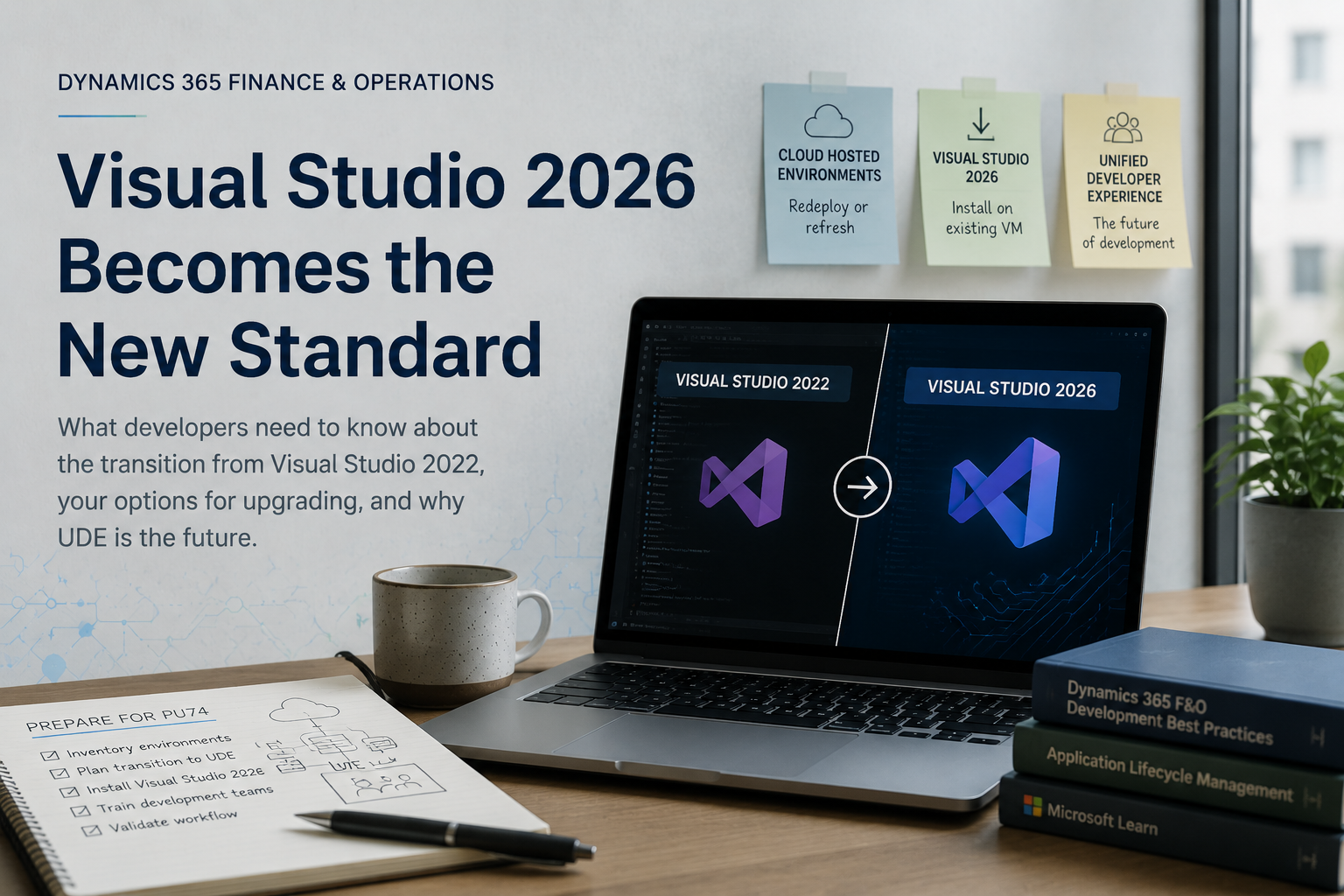
EXECUTIVE TAKEAWAY
Microsoft is retiring Visual Studio 2022 support for X++ development starting with Platform Update 74. If your organization is planning an upgrade to 10.0.50, your development team needs a plan for Visual Studio 2026 before that upgrade lands, not after.
Microsoft has announced an important change for Dynamics 365 Finance & Operations developers. Beginning with Platform Update 74, Visual Studio 2022 will no longer be supported for X++ development. If your organization is planning to upgrade to 10.0.50 / PU74, this is the moment to start preparing your development environments, not the week before go-live.
What Is Changing?
For several years, Visual Studio 2022 has been the standard development environment for Dynamics 365 Finance & Operations. With PU74, Microsoft is transitioning all supported development to Visual Studio 2026.
This is not the first time Microsoft has consolidated F&O development onto a single supported IDE version. When Visual Studio 2022 became the standard, Microsoft phased out support for the versions before it for many of the same reasons behind this move: concentrating development effort on one platform, shipping fixes and features on a faster cadence, and keeping the tooling current.[2] PU74 is the next step in that same pattern.
This change primarily affects developers, build environments, Azure DevOps pipelines, and development processes. End users of the finance and operations apps will not notice a thing. Your development team will, and the earlier they know, the less disruptive it is.
LOGAN REALITY CHECK
You do not need to touch anything today if you are not yet on PU74. But if PU74 is anywhere on your upgrade roadmap for this year, waiting until the upgrade window is open is the wrong time to discover that your build pipeline still points at Visual Studio 2022. Environment planning belongs in the pre-upgrade checklist, not the post-upgrade fire drill.
Three Paths Forward
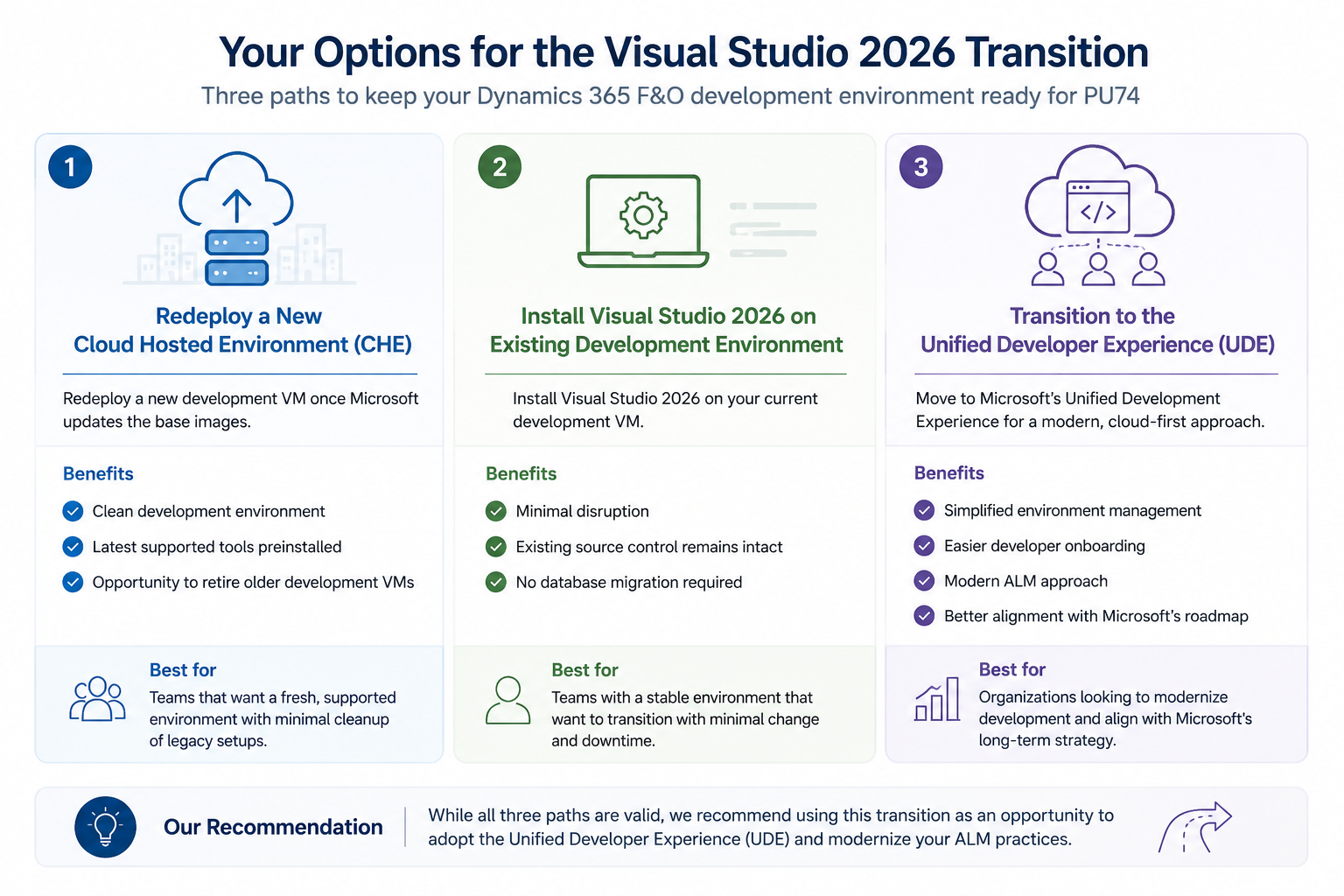
Organizations facing this transition generally have three options. None of them is objectively wrong, but they carry very different levels of effort and very different long-term payoffs.
Option 1: Redeploy a New Cloud Hosted Environment (CHE)
For customers using Cloud Hosted Environments, redeploying a new development VM may be the simplest approach once Microsoft updates the base images. Rather than layering a new IDE onto an environment that has accumulated years of installs, extensions, and configuration drift, you start from a known-good state.
Benefits:
- Clean development environment
- Latest supported tools preinstalled
- Opportunity to retire older development VMs
The tradeoff is that a redeploy still leaves you on the CHE model long term, which is the model Microsoft is actively trying to move customers away from with UDE. It solves the immediate PU74 problem without addressing where F&O development is headed.
Option 2: Install Visual Studio 2026 on the Existing Development Environment
If your current development VM is stable, installing Visual Studio 2026 in place lets you continue using the same environment.
Benefits:
- Minimal disruption
- Existing source control remains intact
- No database migration required
After installation, do not assume the environment is production ready just because setup finished without errors. Validate the D365 developer extensions load correctly, compile all models cleanly, and verify Azure DevOps build pipelines still run end to end. Teams that skip this step tend to find out about a broken pipeline reference the same week they need to ship a hotfix.
Option 3: Transition to the Unified Development Experience (UDE)
Organizations planning for the future should evaluate Microsoft’s Unified Development Experience. UDE reduces dependence on long lived Cloud Hosted Environments and aligns with Microsoft’s long-term development strategy.
Potential benefits:
- Simplified environment management
- Easier developer onboarding
- Modern ALM approach
- Better alignment with Microsoft’s roadmap
UDE is the option with the highest upfront effort of the three, since it asks your team to rethink how development environments are provisioned and managed rather than simply updating a tool. It is also the option that stops you from having this same conversation again the next time Microsoft consolidates onto a new IDE version.
Comparing the Three Options
| Option | Effort | Best For | Key Tradeoff |
|---|---|---|---|
| Redeploy CHE | Low | Teams that want a clean slate and don’t mind rebuilding a dev VM | Still tied to long-lived CHE model long term |
| Install VS 2026 in place | Low to moderate | Teams with a stable environment who want minimal disruption | Doesn’t move you toward Microsoft’s future direction |
| Transition to UDE | Moderate to high | Teams planning ahead and ready to modernize ALM practices | Requires planning, training, and workflow validation |
LOGAN POV
While existing Cloud Hosted Environments can continue to be used by installing Visual Studio 2026 or redeploying, we recommend organizations treat this transition as an opportunity to adopt the Unified Development Experience. Microsoft’s continued investment in UDE makes it the preferred platform for future development environments and modern ALM practice.
Why consider UDE now?
- Align with Microsoft’s long-term development strategy
- Modernize your development and ALM processes
- Reduce future migration effort by transitioning proactively
- Standardize development environments across your team
- Take advantage of ongoing Microsoft investments and future platform enhancements
Planning Ahead: A Practical Checklist
- Inventory existing developer environments. Know what you have before you decide what to change.
- Develop a transition plan to UDE. Even if you choose one of the other paths first, plan the eventual move.
- Plan installation and configuration of Visual Studio 2026. Build the timeline around your PU74 upgrade window, not after it.
- Train development teams on the new UDE environment. Tooling changes are only as good as the team’s comfort with them.
- Validate your development workflow before upgrading to PU74. Confirm builds, pipelines, and extensions work end to end before you’re forced to find out live.
Common Questions
Do I need to do anything if I am not planning to upgrade to PU74 this year?
Not urgently. But it is worth putting environment planning on your roadmap so it is not a surprise when the upgrade does land.
Will my existing customizations still compile under Visual Studio 2026?
That depends on your specific codebase and extensions, which is exactly why the validation step in Option 2 and Option 3 matters. Compile all models and run your build pipeline before you consider any environment production ready.
Can I mix Visual Studio 2022 and 2026 across my team during the transition?
Short term, yes, teams commonly run a phased rollout. Long term, standardizing on one version avoids the “it works on my machine” problems that come from mismatched tooling across a build pipeline.
The Bottom Line
End users are unlikely to notice this change. Development teams should not wait to notice it too, at least not the hard way. Organizations considering a move to the Unified Development Experience should use this transition as the reason to modernize their development environment and Application Lifecycle Management processes, rather than a task to check off. Early planning is what separates a smooth migration to Microsoft’s supported development platform from a scramble the week before PU74 lands.


