





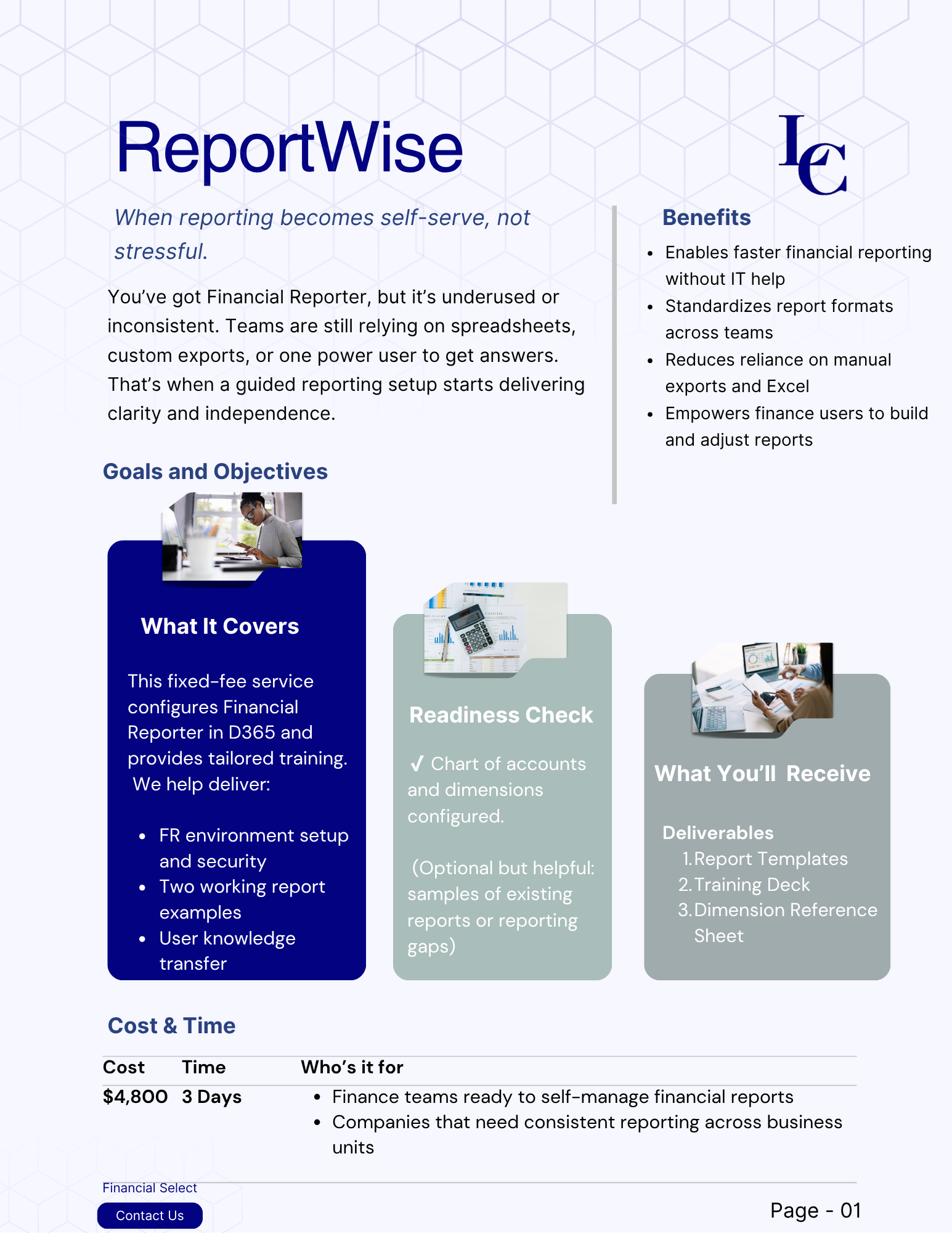
Reviews and corrects ledger-to-subledger alignment in D365 by fixing posting configurations, inventory profiles, reconciliation logic, GL mapping, and critical reporting procedures.
Your D365 Project Is Closed. Who Owns Monday Morning?
Posted on: November 9, 2026 | By: Heather Zhu | Microsoft Dynamics AX/365, Microsoft Dynamics AX/365|Microsoft Dynamics Manufacturing
The Business After Go-Live
A support contract names who can help. An operating model proves who will notice, decide and act.
By Logan Consulting | November 9, 2026 | 5-minute read

It is 7:05 on Monday. The implementation project is closed, the support agreement is signed, and a recurring invoice-processing batch has failed. The alert still points to the consultant who configured it. Finance knows the invoices are missing. IT knows whom to call. Nobody has agreed who can authorize the next move.
This is an illustrative scenario, not a client incident. Its weakness is not necessarily the software or the partner. It is the space between technical access, operational responsibility and business authority.
A consultant can diagnose an error. A business owner must decide what an acceptable recovery looks like. Treating those as the same job makes every exception a negotiation.
The Logan Position
Transfer the ability to run the business, not just the documents that describe the system.
A contract is not an operating model.
Microsoft describes internal, outsourced and mixed support models. The right arrangement depends on your skills, coverage and operating needs. None removes the need to decide who accepts business risk and confirms that work is complete. Microsoft’s support-model guidance
Start with one critical process and give it three distinct owners. One person may cover more than one role, but the responsibilities must remain explicit. An account name in a batch record is not an operating model.
| Responsibility | The question that needs an answer |
|---|---|
| Execution identity | Which approved identity runs the job, and who maintains its access? |
| Operational response | Who monitors it, acknowledges an exception and covers the backup shift? |
| Business acceptance | Who approves recovery boundaries and confirms the business result? |
Logan’s role distinction, not additional D365 settings.
Start with the native controls.
For that process, open System administration > Inquiries > Batch jobs. Select the job, review its recurrence, execution identity and history, and record which business activity depends on it. Batch history includes the messages encountered during execution. Microsoft’s batch-processing overview
Select Alerts. Configure the relevant ended, error or canceled conditions for the intended users, then confirm the notification appears in Action center. Microsoft documents batch alerts per job and per user. Enable Email where appropriate and prove delivery to the agreed recipients; a checked box is not an escalation procedure. Microsoft’s batch-alert setup
An authorized Batch manager can change the Run by user. Review that identity during handover and staff changes. This is a security-sensitive capability, not a reason to give every responder broad administration rights. Validate access with your security owner and test changes before production. Microsoft’s Batch manager guidance
The Distinction
The technical fix is deliberately modest: an owned job, the right execution identity and notifications someone actually receives. The operating fix is deciding what that person does next.
Rehearse the work without the original consultant.
Use an isolated sandbox, representative test records and test-only notifications. Agree an illustrative 15-minute acknowledgment target for one critical job. That is a proposed service objective, not a Microsoft benchmark or a Logan guarantee.
Have the functional lead prepare a safe, known failure case for the selected job. The receiving support team must find the error, identify affected transactions, contact the process owner and follow the approved recovery procedure. Reconcile what did and did not complete before repeating any transactional work.
Then run a different exercise: leave the test job deliberately unscheduled. An error alert is not proof that a job ran when expected. Add a scheduled completion check or separately configured monitoring for missed runs. Microsoft exposes started, finished, failed and canceled batch events; an end-to-end monitoring and escalation flow still needs to be designed. Microsoft’s batch business events
The Quiet Failure
No error message is not the same thing as an expected job completing on time.
Repeat with the primary responder unavailable and the backup using normal approved access. Keep the job identifier, history, notification evidence, acknowledgment time, authorization and business acceptance together. The test is not whether someone knows the original consultant’s phone number.
| Exercise | Evidence of a useful handover |
|---|---|
| Known failure | Alert reaches the responder; affected work and approval boundaries are understood. |
| Missed run | Completion check detects absence; the agreed escalation starts. |
| Primary unavailable | Backup uses approved access and obtains business acceptance. |
These are proposed acceptance exercises, not executed tenant tests. Verify the target version, permissions, email delivery and task-specific recovery behavior. Do not induce failures, disable controls or change execution identities in production for this rehearsal.
End hypercare on evidence, not exhaustion.
Microsoft recommends a defined hypercare exit strategy tied to specific criteria, rather than relying only on an end date. Use that principle to ask for evidence: the receiving team can handle the agreed critical cases, the backup can act, and unresolved risks have named owners. Microsoft’s transition-to-support guidance
Keep a one-page operating record for each important process: accountable owner and backup, support route and hours, escalation threshold, monitoring, approved recovery boundaries and acceptance evidence. Give the team time to maintain it. A support handbook that nobody can follow is just a very organized dependency.
Measure time to acknowledgment, time to business-accepted recovery and repeat incidents. Review improvements separately from incidents so recurring problems do not become permanent support revenue.
Logan’s Solution Center supports Dynamics 365 Finance, Supply Chain Management and AX. Bring one recurring exception and the person accountable for its outcome. We can help test whether the gap is configuration, knowledge, access or decision rights before expanding the support arrangement. Explore the Logan Solution Center
Remember One Thing
You can outsource support. You still need to own the decision.