






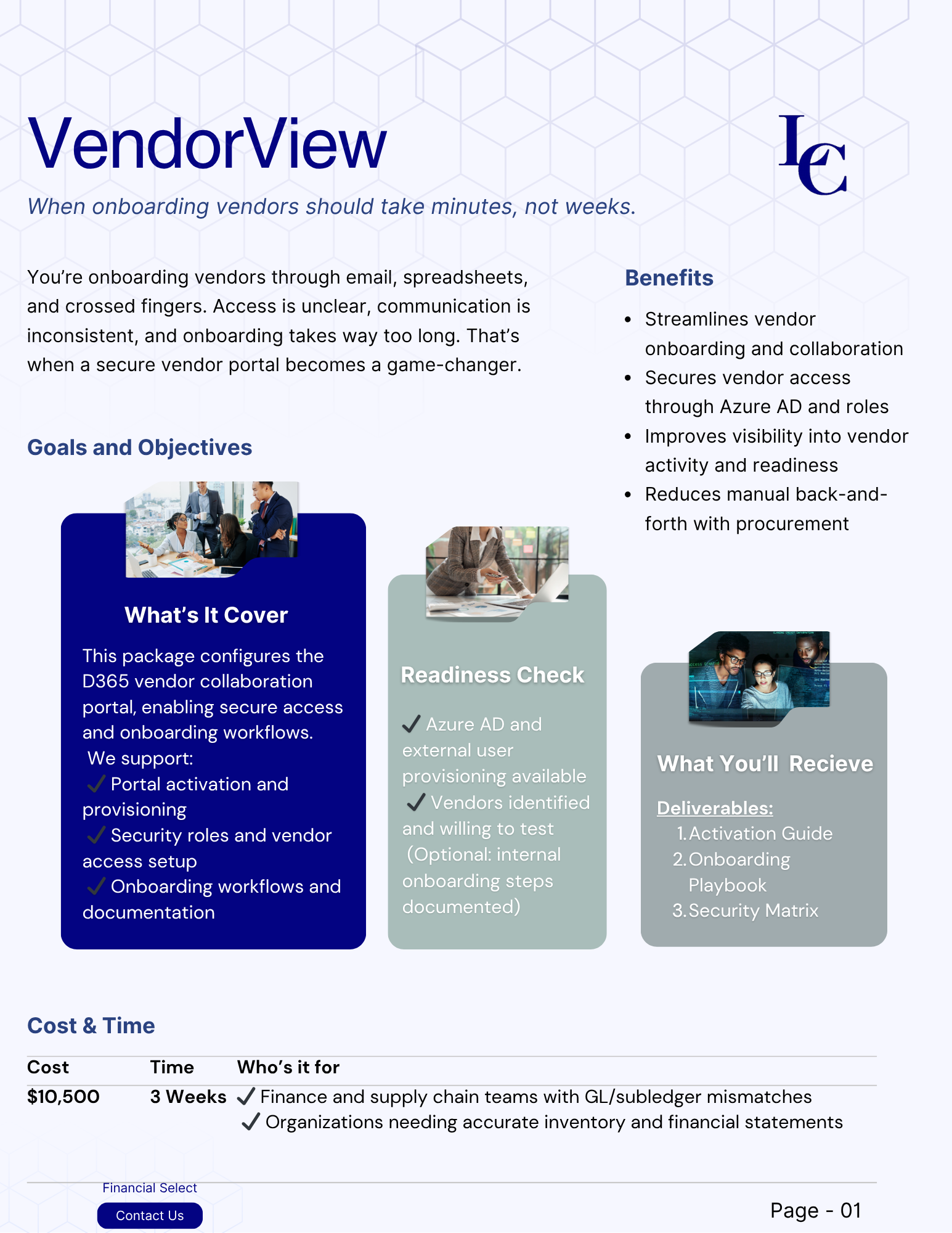


Reviews and corrects ledger-to-subledger alignment in D365 by fixing posting configurations, inventory profiles, reconciliation logic, GL mapping, and critical reporting procedures.
Building NetSuite Dashboards That Improve Team Efficiency
Posted on: September 22, 2026 | By: Jackson Morris | NetSuite
For many organizations, the NetSuite dashboard is the first screen users see each day, yet it is often the least maintained part of the system. Portlets added during implementation go unused, saved searches rely on outdated criteria, and important figures still end up in spreadsheets. When dashboards fail to surface what matters, teams spend time hunting for information and make decisions with an incomplete picture.
This challenge is becoming more visible as NetSuite introduces a redesigned experience and AI capabilities such as Ask Oracle. These tools change how people find and analyze data, but users still need accurate information in front of them throughout the day. For administrators, building dashboards with a clear purpose is one of the most direct ways to improve team performance.

What Makes a NetSuite Dashboard Effective?
A NetSuite dashboard is the set of portlets a user sees on the Home page and other tabs tied to their role. Portlets can display KPIs, reminders, charts, reports, shortcuts, and results from well-built saved searches. Because this content pulls from live data, users get a current view of their work without running separate reports.
Effective dashboards are organized around decisions rather than data. A controller needs to see items that could delay the close, such as unapproved bills or open reconciliations. A purchasing manager needs visibility into late purchase orders and items below reorder points. When every portlet answers a question the user asks regularly, the dashboard becomes a working tool instead of a cluttered home screen.
Why Dashboards Matter for Team Efficiency
Poorly designed dashboards create small delays that add up. Users click through multiple screens, rebuild the same searches, or ask colleagues for figures that already exist in NetSuite. Different teams may also track the same metric in different ways, which leads to conflicting numbers in meetings.
Administrators can address this by publishing standardized dashboards to specific roles and locking them to prevent unintended changes. Everyone in a role then starts from the same core view. For organizations using NetSuite Analytics Warehouse, the 2026.2 release extends this approach by letting administrators curate role-based analytics collections so users can reach their most-used workbooks and dashboards from an Analytics tab.
Best Practices for Building Role-Based Dashboards
Start by asking users what they review, approve, and act on each day. Their answers should determine which KPIs, reminders, and searches belong on the dashboard. Keep each layout focused on a limited number of portlets, and place the most important information near the top.
Dashboards are only as effective as the roles behind them. If roles have been copied or expanded over the years, users may see data they do not need or miss data they do. Reviewing roles and permissions before publishing dashboards keeps content relevant and supports stronger data governance.
Finally, treat dashboards as living tools by testing new layouts with a small group, collecting feedback, and removing portlets that no longer support current priorities.
Industry-Specific Applications
The right dashboard content depends on how an organization operates. Distributors often focus on backorders, fill rates, and sales orders past their ship dates. Manufacturers may track work order status, component shortages, and production costs. Professional services firms typically monitor utilization, project budgets, and unbilled time.
NetSuite also continues to add industry-focused views. In the 2026.2 release, the Subscription Metrics dashboard gained an option for software companies to switch between actual results and committed recurring revenue, and healthcare organizations received a new dashboard that combines financial and operational metrics for care settings. These views give administrators a solid starting point to tailor further.
Preparing for the Future
AI is changing how users interact with NetSuite data. With Ask Oracle available inside NetSuite, users can ask questions in plain language, then shift from the chat into a canvas where they can assemble ad hoc dashboards and charts. This makes it easier to explore questions that fall outside a standard dashboard.
Ad hoc analysis complements structured dashboards rather than replacing them. Recurring metrics, approvals, and alerts still benefit from a consistent, role-based view. Organizations that invest now in clean data, well-defined roles, and focused dashboards will be better positioned to get accurate results from AI as it expands.
Next Steps
Well-designed dashboards help NetSuite users spend less time searching for information and more time acting on it. Logan Consulting helps NetSuite customers assess their current dashboards, align roles and reporting with day-to-day processes, and prepare their environments for Ask Oracle and NetSuite Next. Contact Logan Consulting today to build dashboards that keep your teams focused on what matters most.