


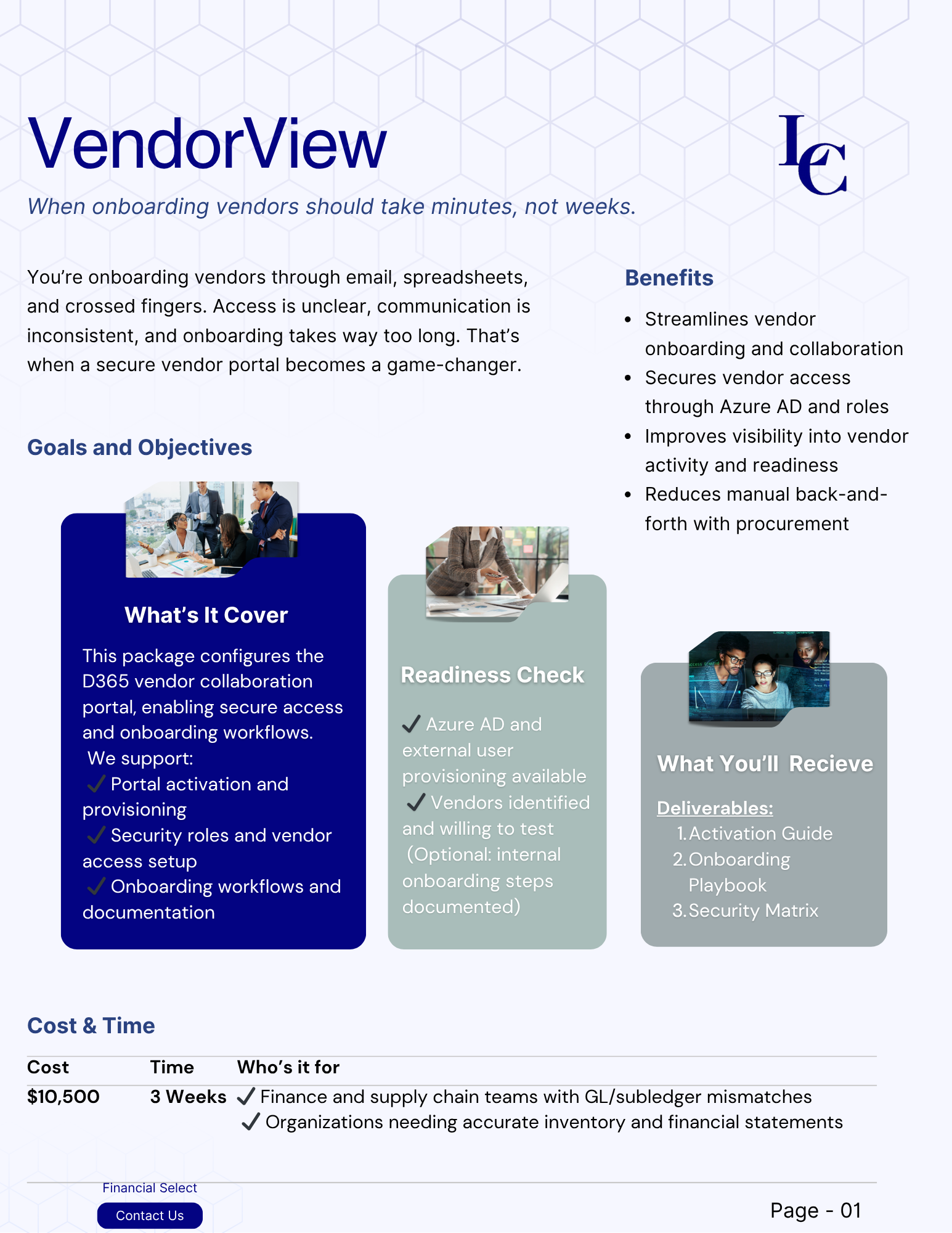


Reviews and corrects ledger-to-subledger alignment in D365 by fixing posting configurations, inventory profiles, reconciliation logic, GL mapping, and critical reporting procedures.
How To: Budget for Fixed Assets in QAD Adaptive ERP
Posted on: October 27, 2026 | By: Courtney Xia | QAD Financials
When planning next year’s budget, companies need to account for both new capital spending and the depreciation expense those purchases will generate. When these numbers are tracked separately, it can be difficult to get a complete picture of future costs.
QAD Adaptive ERP provides fixed asset depreciation schedules and general ledger (GL) budgeting tools that help finance teams forecast expenses and compare spending with the budget. Here’s how to use them together.
Common fixed asset budgeting challenges
- Capital plans are kept outside the ERP. Approvals and spending plans sit in spreadsheets, emails, and presentations.
- Depreciation estimates are too broad. Simple estimates overlook differences in asset lives, depreciation methods, and service dates.
- Existing assets are overlooked. Forecasts focus on new purchases without accounting for ongoing depreciation.
- Budget variances are caught too late. Without regular reviews, unexpected spending and expenses may go unnoticed until year-end.
Step 1: Review your fixed asset setup
Before building the budget, check that your fixed asset settings are consistent. These determine how depreciation is calculated and where expenses are recorded.

Resolve inconsistent asset classes and account mappings before preparing the forecast. For Adaptive ERP, confirm the corresponding screen names and navigation in your version.
Step 2: Forecast depreciation on existing assets
Start with assets already on your books, since they will continue generating depreciation next year.
- In QAD Adaptive ERP, open the depreciation reporting screen available in your version. In Enterprise Edition (EE), run the Asset Depreciation Array Report (32.5.9) to review depreciation by asset and period.
-
To review an individual asset, open its fixed asset record. In EE, use Fixed Asset Maintenance (32.3), go to depreciation book, and select Audit to review the depreciation schedule.
Use these figures as the starting point for next year’s depreciation budget.
Step 3: Estimate depreciation on planned purchases
Work with department heads and operations teams to identify expected purchases. For each asset, record its estimated cost, purchase month, expected in-service date, asset class, and cost center.
The in-service date matters because it affects when depreciation begins under the asset’s configured rules. For example, equipment purchased in March but not ready for use until September should be forecast using its expected September service date.
Tip: Avoid creating placeholder assets in your live system just to calculate forecast depreciation. If you want QAD to calculate schedules for planned purchases, consider using a test environment.
Combine these estimates with depreciation from existing assets to build your total forecast.
Step 4: Enter the budget
Once your estimates are ready, open the QAD Financials in QAD Adaptive ERP to enter your capital spending and depreciation forecasts.
- Create a budget for the upcoming year and keep the capital plan in its own version.
- Enter capital spending and depreciation expense by GL account, cost center, and period. Use Excel integration if available to simplify budget preparation and uploads.
- Create separate budget versions to compare scenarios, such as delayed equipment purchases.
You can budget capital spending and depreciation depending on your planning needs.
Step 5: Track construction in process (CIP)
Projects such as a new production line may accumulate costs over several months before the asset is ready for use.
- Record eligible project costs in the CIP account as they are incurred.
- Compare project spending with the capital budget regularly.
- When the asset is ready for use, work with your finance team to capitalize the asset, transfer costs out of CIP, and establish the correct in-service date.
Confirm the appropriate capitalization and GL posting procedures for your QAD configuration to avoid duplicate entries.
Step 6: Compare budget with actual results
Review the budget monthly to catch unexpected spending and depreciation changes before year-end.

For Adaptive ERP, confirm the equivalent reports and navigation in your version. Investigate variances before updating the forecast. Delayed purchases, incorrect asset classifications, and unplanned retirements can all affect your budget.
Final thoughts
Effective fixed asset budgeting means accounting for planned purchases, depreciation from existing assets, and actual spending in one process. By combining QAD’s fixed asset reports with GL budgeting and reviewing results regularly, finance teams can improve forecast accuracy and respond to variances earlier.
Next steps
Need help improving your fixed asset budgeting process in QAD? Contact Logan Consulting to discuss your requirements.
Email info@loganconsulting.com or call (312) 345-8817.